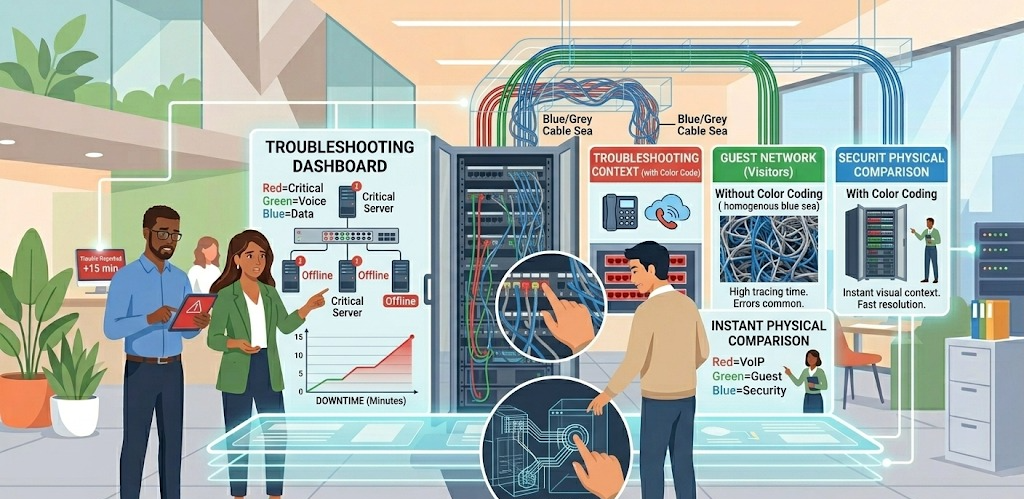
When a user reports that their computer cannot connect to the internet, or a critical server goes offline, every minute of downtime counts. Without color coding, a technician faced with a densely packed patch panel or server rack is staring at a homogenous sea of (usually) blue or grey cables. Locating the specific cable connected to the faulty device requires physically tracing it, which can be time-consuming and error-prone.
With a well-implemented color code, a quick visual inspection can provide instant context. For example, if a "red" cable indicates a server connection, and "red" cables are the only ones lit up on the switch, the technician can immediately narrow down their search. This dramatically speeds up the identification of faulty cables, ports, or devices.
Accidentally unplugging a critical piece of equipment is one of the biggest risks in any data closet or server room. The consequences can be severe:
- Unplugging the Firewall/Modem: This immediately cuts off the entire building's internet connection.
Unplugging a Core Switch: This can disconnect whole floors or departments from the network.
Unplugging a Phone System Controller (VoIP/PBX): All telephone communications go down.
A distinct color code serves as a powerful visual "warning sign." A technician is far less likely to accidentally disconnect a cable with a "High-Risk" color (bright orange or red) when they know that color is reserved for the building's primary internet gateway or core infrastructure.
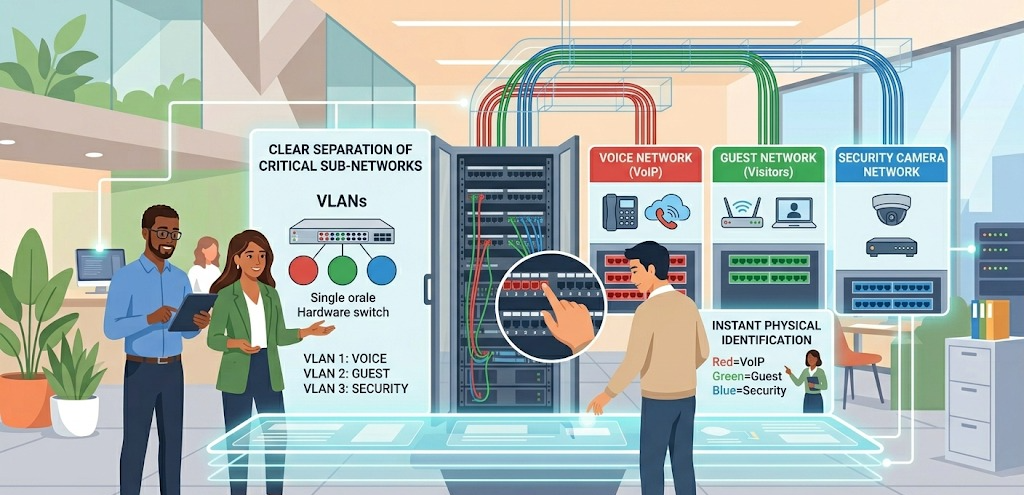
Many modern enterprise networks are not a single, flat system. They often use Virtual Local Area Networks (VLANs) to create separate, secure networks on the same physical hardware. For example, a building might have:
A Voice Network: Just for the phones (VoIP), to ensure call quality isn't affected by data downloads.
A Guest Network: For visitors, to keep them isolated from internal company data.
A Security Camera Network: Dedicated to traffic from security cameras and DVRs.
While the switches handle the logical separation, color-coded cables provide an essential layer of physical identification. It allows any staff member, even one with minimal technical training, to instantly distinguish which network a port or cable belongs to. This prevents a visitor from plugging their laptop into a secure internal network port by mistake.
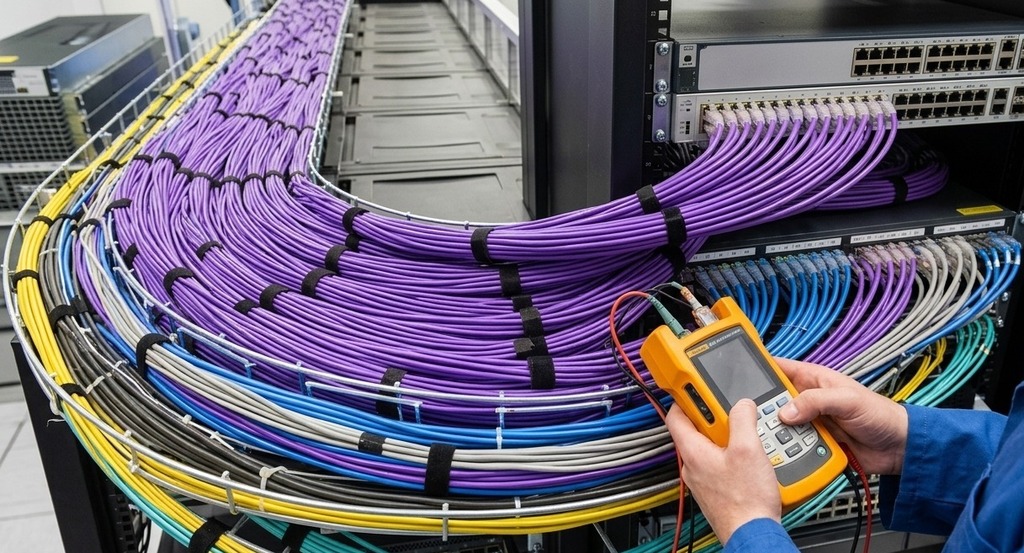
Keeping track of which equipment is connected to which network port is vital for management and security. A detailed documentation spreadsheet or software is necessary, but a physical color code makes this documentation much easier to verify and update.
When performing an inventory or audit, a visual scan of the racks can quickly confirm if the documented setup matches the reality. For example, "Are all of the printers plugged into the ports designated by the 'printer-purple' cables?" This physical-to-digital alignment simplifies long-term management and makes future planning more efficient.

When it's time to add new workstations, another wireless access point, or upgrade server capacity, color coding makes the process smoother. The installation technician immediately knows which color cable to pull from storage and which color-coded area of the patch panel to plug it into. This ensures consistency and prevents a "cobweb" of unorganized cables from developing, which makes all future maintenance even more difficult.
In summary, color coding is not just about making a server rack look neat. It is a critical layer of information visualization that enhances network security, minimizes downtime, prevents human error, and ensures the efficient long-term operation of the complex web of technology that modern buildings rely on.